Game Date: Play mini games together
If shared activities make meeting someone feel easier, Game Date lets you and someone new play mini games in Choco. Play, chat, and decide for yourself whether you would like to keep connecting.
How to start a Game Date
- Open Choco and select Game Date on the home screen to find someone to play with.
- Once you are in the waiting room together, choose a mini game. In Stack Together, for example, you stack blocks as a pair.
- Start the game and use what is happening to break the ice. Try asking your partner what they want to try next.
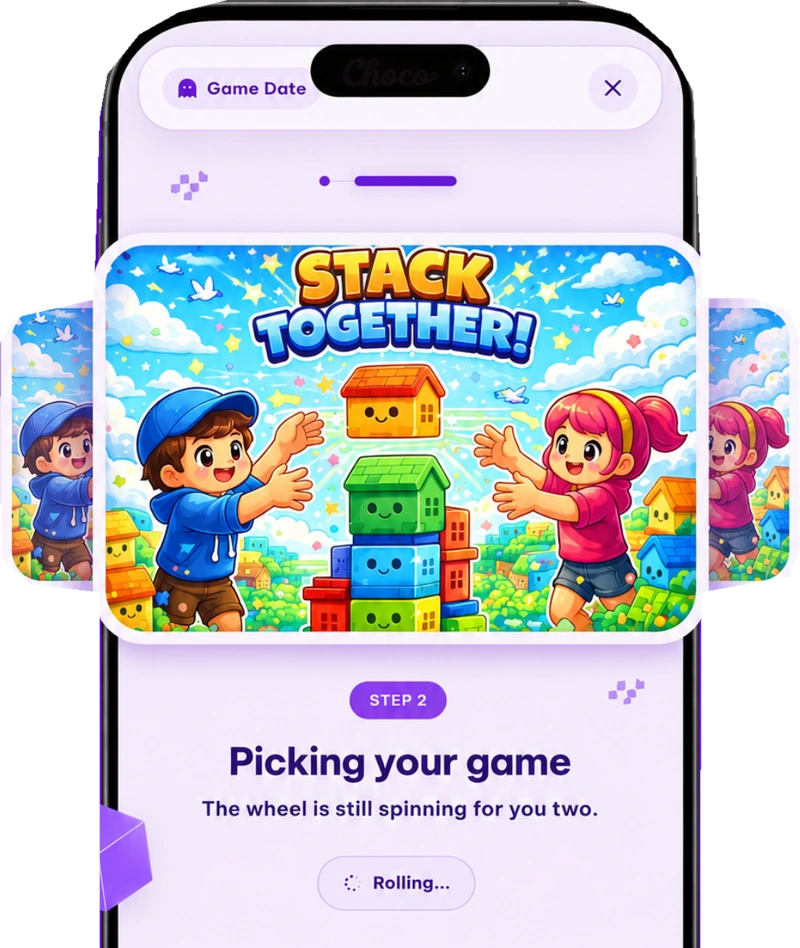
A game gives you a place to start
It is not always easy to think of the first thing to say. A shared game gives you something to react to, cheer about, and talk about together.
Meet at your own pace
Game Date is one of the experiences in the Choco dating and connection app. Play together, chat, and choose whether you want to continue the conversation.
More ways to connect
You can also start with a 3-minute chat or share music in Real Date. Choco is currently available on Google Play for Android.
A little more about it
What is Game Date?+
Game Date is a Choco experience where two people play mini games together and get to know each other through a shared activity.
Do I need to be good at games?+
Game Date is about sharing an activity and a conversation. You do not need to treat it like a competition; join in at a pace that feels comfortable.
Where can I download Choco?+
Choco is currently available on Google Play for Android.